Visual Paradigm Desktop |
  Visual Paradigm Online


Creating a Data Flow Diagram (DFD) does not require expensive software licenses or complex interfaces. In fact, starting with the simplest tools often yields the clearest results. This guide explores how to design accurate data flow diagrams using paper, whiteboards, or basic digital editors. By focusing on structure and logic rather than aesthetics, you can build robust system models that stand the test of time.
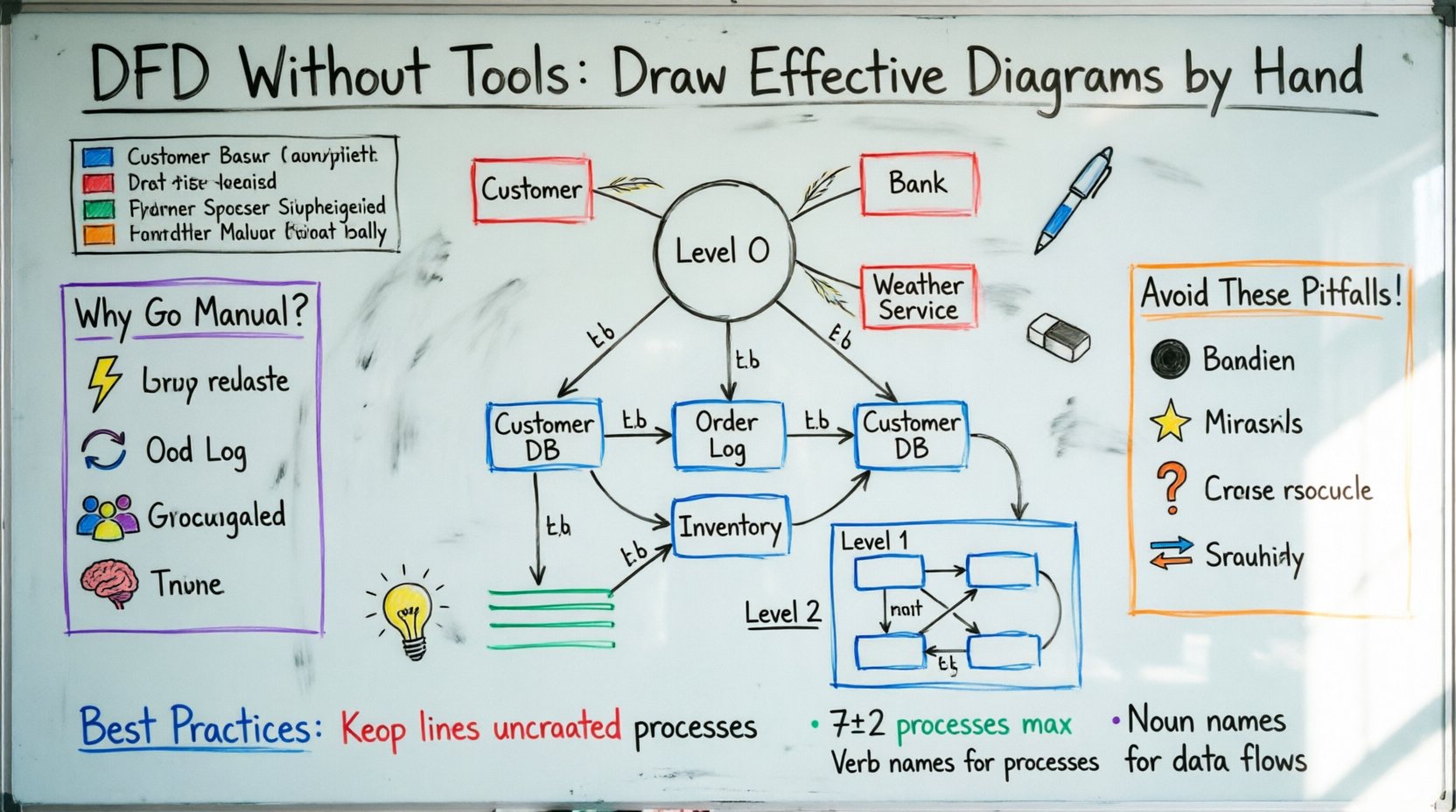
Many professionals jump straight into digital tools, only to get lost in formatting options. Manual drawing forces you to focus on the core logic of the system. When you use a pen or a basic marker, you are limited to the essential elements. This constraint is actually a benefit. It prevents you from spending hours perfecting colors or shapes before the logic is sound.
Here are the primary advantages of a manual approach:
This method is particularly effective during the early discovery phases of system analysis. It helps teams align on requirements before committing to a technical design.
Before picking up a pen, you must understand the standard symbols used in Data Flow Diagrams. These symbols represent the fundamental building blocks of any process model. Regardless of whether you draw on paper or a screen, the meaning remains the same.
External entities represent people, organizations, or other systems that interact with your system. They are the boundaries of your model. You should label them clearly to indicate who provides data and who receives the final output.
Processes are the actions that change data. They take input, perform work, and produce output. Every process should have at least one input and one output.
Data stores represent where information is kept for later use. This includes physical files, databases, or even a physical filing cabinet. If data sits somewhere and is accessed later, it belongs in a store.
Data flows show the path that information takes. Every arrow must have a label describing the content of the data. Never leave an arrow unlabeled.
| Element | Manual Approach | Digital/Basic App Approach |
|---|---|---|
| Speed of Drafting | Very Fast | Fast |
| Editing Capability | Requires redrawing or erasing | Drag and drop |
| Consistency | Varies by hand | Standardized shapes |
| Portability | Requires scanning or photography | Instant file sharing |
| Cost | Minimal (Paper & Pen) | Free or Low Cost |
A complete DFD model is not a single drawing. It is a hierarchy of diagrams that zoom in and out of the system. Understanding these levels is critical for maintaining clarity.
This is the high-level view. It shows the entire system as a single process and the external entities interacting with it. It answers the question: “What is the system boundary?”
This diagram breaks the single process from Level 0 into major sub-processes. It shows the main functions of the system and the data stores involved.
This level zooms into specific complex processes from Level 1. It is used when a specific function is too complicated to understand at a high level.
Creating a diagram manually requires a systematic approach to ensure the final product is logical and readable. Follow these steps to guide your physical creation.
While specialized tools exist, you do not need them. Basic digital environments can offer the same benefits without the complexity. These include simple drawing apps, presentation software, or even a blank document.
When using a digital interface, adhere to these principles to maintain the “no-tool” spirit:
Even with simple methods, errors can creep into your diagrams. Being aware of these common mistakes will save you time during the validation phase.
Once your diagram is drawn, you must verify its accuracy. Manual diagrams are easier to critique physically because you can point directly at elements.
Walk through the diagram with a stakeholder. Ask them to trace a specific piece of data from entry to exit. If they get stuck at an arrow or a process, that area needs clarification.
Compare Level 0 and Level 1. The inputs and outputs on the context diagram must match the inputs and outputs of the Level 1 diagram. If the Level 1 diagram introduces a new data flow to an external entity that was not in Level 0, you have made an error.
Manual diagrams are excellent for discovery and planning. However, there comes a point where digital storage becomes necessary. You should consider digitizing your work when:
Regardless of the medium, clarity is the goal of a Data Flow Diagram. A confusing diagram is worse than no diagram at all.
There is a psychological advantage to drawing diagrams by hand. It engages the brain differently than clicking and dragging shapes. This engagement leads to deeper understanding.
When you draw, you slow down. You think about the connection between two points before the line appears. This pause allows you to catch logical errors that might be missed when using a tool that makes drawing easy. The friction of manual drawing is actually a feature, not a bug.
A DFD is not an isolated artifact. It must align with the functional requirements of the system. Use your manual diagram to validate the requirements document.
If you find a requirement that cannot be mapped to the diagram, it may indicate a missing process or a misunderstanding of the system scope. This makes the manual DFD a powerful tool for requirement validation.
The goal of a Data Flow Diagram is communication. It is a language used to describe how a system works. Whether you use a high-tech platform or a simple pencil, the quality of the communication depends on your understanding of the logic.
By mastering the fundamentals of manual diagramming, you build a foundation that serves you well even when you eventually use advanced software. The tools change, but the logic of data flow remains constant. Start simple. Focus on the flow. Ensure the data is balanced. This approach leads to robust system designs.