 Visual Paradigm Desktop |
  Visual Paradigm Online


The landscape of software architecture and business modeling is undergoing a paradigm shift. The Visual Paradigm ecosystem distinguishes itself in the market by integrating cutting-edge AI automation with traditional, high-fidelity engineering features. This unique combination transforms the modeling process from a labor-intensive chore into an intuitive, continuous workflow. Unlike the fragmented experience of using a collection of siloed applications—where logic is often scattered and diagrams are disconnected from actual code—this ecosystem provides a unified “bridge” from abstract ideas to concrete, implementation-ready blueprints.
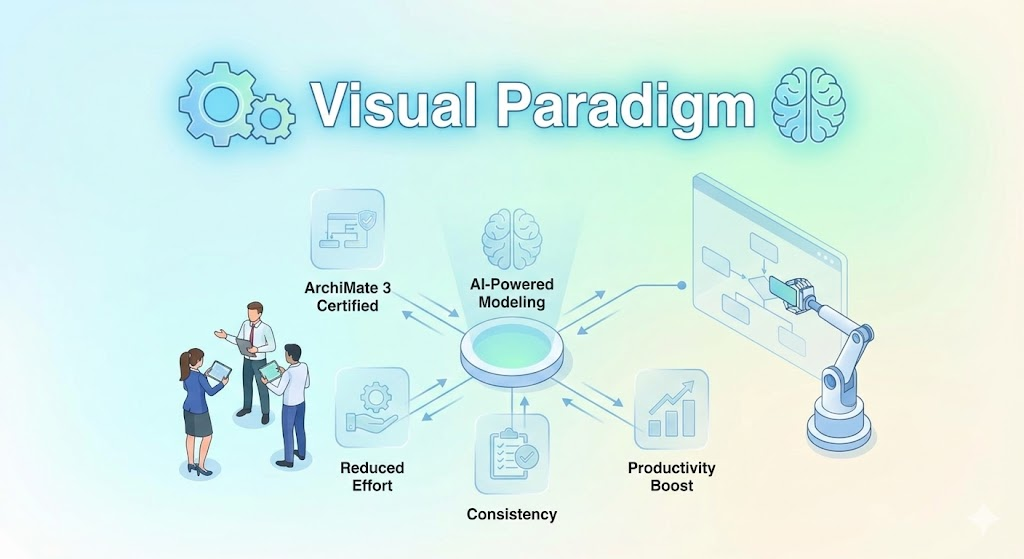
The core strength of the Visual Paradigm ecosystem lies in its “transformative power.” It successfully combines the rapid speed of generative AI with the rigor required by established industry standards. This synergy ensures that speed does not come at the cost of accuracy.
The modeling journey begins with AI-driven initiation. Through natural language to diagram conversion, users can describe complex systems—ranging from loan application workflows to hospital management systems—and receive standardized models in seconds. Specialized capabilities, such as AI-powered textual analysis, parse unstructured problem descriptions to extract candidate classes and relationships before a single visual element is drawn.
What sets this platform apart is what happens after the initial generation. In this ecosystem, a diagram is not merely a static image; it is a functional artifact. Traditional engineering features enable:
Acting as a “co-creator,” the platform offers architectural critiques. It goes beyond simple drawing by identifying single points of failure, suggesting robust design patterns like MVC, and highlighting missing multiplicities—sophisticated capabilities that generic drawing tools inherently lack.
Relying on a disparate list of siloed applications often results in a “maze without a map.” In such environments, every sprint introduces new requirements without a shared understanding or visual consistency. Visual Paradigm addresses these challenges through several fundamental architectural differences.
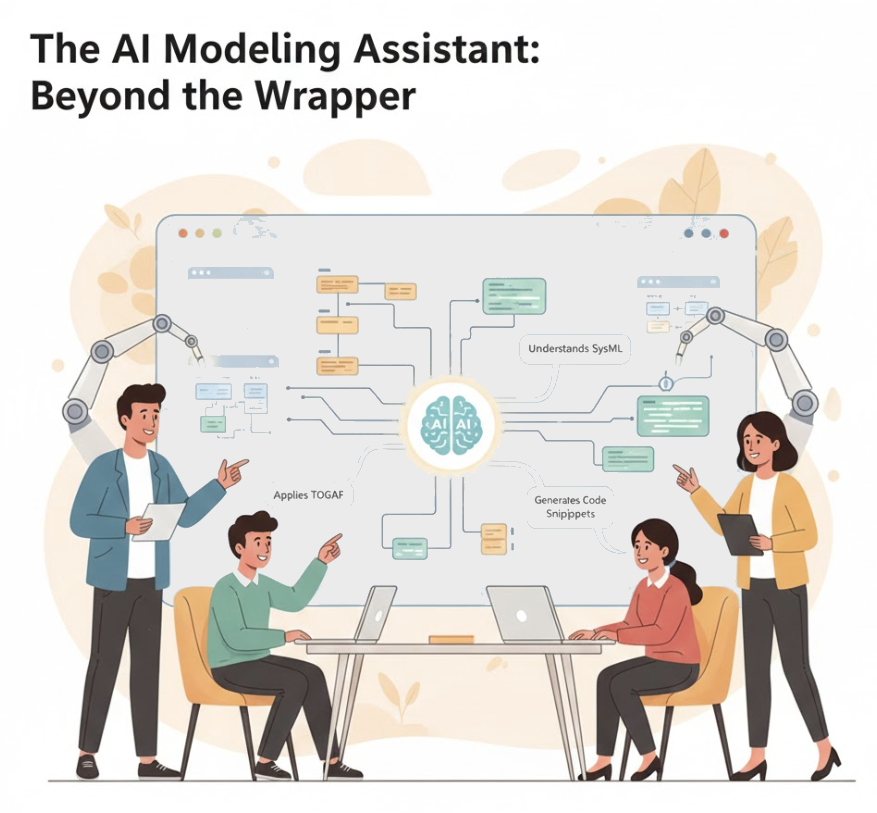
| Feature | Siloed / Generic AI Tools | Visual Paradigm Ecosystem |
|---|---|---|
| State Management | Changing a diagram requires regenerating entire blocks of text/code, leading to broken connectors. | Maintains a persistent visual structure, allowing for conversational refinement and “touch-ups” without losing layout integrity. |
| Integration Strategy | Requires manual copy-pasting of data between incompatible tools. | Seamless import from AI Chatbot/Online tools directly to Visual Paradigm Desktop for simulation and versioning. |
| Standards Compliance | Produces “pretty sketches” that often violate technical modeling rules. | Uniquely trained on UML 2.5, ArchiMate 3, and C4 standards for semantically correct models. |
| Context Awareness | Often misinterprets technical jargon (e.g., confusion over the word “port”). | Recognizes specific diagram types and context, distinguishing between networking components and business terms. |
By unifying strategic analysis (SWOT, PESTLE), business modeling (BPMN), and technical design (UML, SysML) into a single AI-enhanced platform, the ecosystem eliminates the “blank canvas” problem. It ensures that all stakeholders—from business analysts to developers—work from the same conceptual baseline.
To visualize the impact, consider this analogy: using siloed applications is like trying to build a house with a disconnected set of tools—a hammer from one person, a saw from another, and a drawing from a third that doesn’t account for the plumbing. In contrast, Visual Paradigm is like a professional architect’s studio equipped with a CAD system. The AI provides a technically sound draft based on your description, but the integrated ecosystem allows you to refine the structure, check the “building codes” (standards), and produce the final blueprints all in one place.
Creating a UML Class Diagram for a Library System Using AI and Visual Paradigm: A practical blog post that walks through building a UML class diagram for a library management system using Visual Paradigm’s AI assistant.
Interactive AI Chat for UML Class Diagram Generation: A conversational AI interface that allows users to generate UML class diagrams through natural language interaction directly in the browser.
AI-Assisted UML Class Diagram Generator – Visual Paradigm AI Toolbox: A dedicated AI-powered application that enables developers to generate UML class diagrams from text descriptions with minimal manual input.
Building a Hotel Reservation System Class Diagram with Visual Paradigm AI: A hands-on tutorial guiding users through the creation of a comprehensive UML class diagram for a hotel reservation system using Visual Paradigm’s AI capabilities.
Visual Paradigm – AI-Powered UML Sequence Diagrams: Learn how to generate UML sequence diagrams instantly using AI within Visual Paradigm’s advanced modeling suite.
AI-Powered Use Case Diagram Example for Smart Home System: A community-shared AI-generated use case diagram illustrating interactions between users and a smart home system, demonstrating real-world application of AI in UML modeling.
AI-Powered Use Case Diagram Refinement Tool by Visual Paradigm: A smart AI feature that enhances and refines existing use case diagrams by suggesting improvements, identifying missing actors, and optimizing structure.
AI Use Case Description Generator by Visual Paradigm: An AI-powered tool that automatically generates detailed use case descriptions from user inputs, speeding up system analysis and documentation.
Master AI-Driven Use Case Diagrams: A Short Tutorial: A concise tutorial from Visual Paradigm on leveraging AI to create, refine, and automate use case diagram development for faster delivery.
AI-Powered Sequence Diagram Refinement Tool | Visual Paradigm: Discover how Visual Paradigm’s AI Sequence Diagram Refinement Tool enhances UML modeling by automatically improving and optimizing sequence diagrams with intelligent suggestions.
AI Sequence Diagram Refinement Tool | Visual Paradigm: Use AI to automatically refine and optimize your sequence diagrams for better readability, correctness, and consistency.
From Simple to Sophisticated: AI-Powered Sequence Diagram Refinement Tool: Explore how Visual Paradigm’s AI-powered tool evolves simple diagrams into sophisticated, accurate models with minimal effort.
Generate Activity Diagrams from Use Cases Instantly with Visual Paradigm’s AI: Discover how Visual Paradigm’s AI engine enables rapid, accurate conversion of use cases into professional activity diagrams with minimal effort.
Interactive UML Activity Diagram Creator – Visual Paradigm Chat Interface: Use the AI-powered chat interface in Visual Paradigm to generate and edit UML activity diagrams in real time with natural language input.
AI-Powered Editor for Converting Use Cases to Activity Diagrams: An AI-driven online editor that automatically transforms use case descriptions into structured UML activity diagrams with intelligent suggestions.
Automating Use Case Development with AI in Visual Paradigm: Learn how Visual Paradigm’s AI-powered use case description generator streamlines the creation of detailed use cases, reducing manual effort and improving consistency in software development.
How the Scenario Analysis Tool Works in Visual Paradigm: An overview of the inner workings and functionality of the Scenario Analysis Tool in Visual Paradigm for use case validation.
How the Scenario Analysis Tool Works – Official Blog Post: Insightful blog post explaining the mechanics and benefits of Visual Paradigm’s Scenario Analysis Tool for use case modeling.